Sovelia Configurator Release News
Sovelia Configurator release news


Sovelia AutoCAD 2024.2.1 release offers numerous enhancements to streamline drawing creation, making it more efficient and less time-consuming. In addition to improved drawing capabilities, both Sovelia AutoCAD and Sovelia AutoCAD LT now utilize Symetri Licensing. Download the new version on Sovelia Downloads page.
Sovelia AutoCAD and Sovelia AutoCAD LT are now both using Symetri Licensing. This gives you access to MySymetri licensing portal where you can easily manage and control license usage and users. You can now:
To check your license status, type (SSOSTATUS) on the command line.

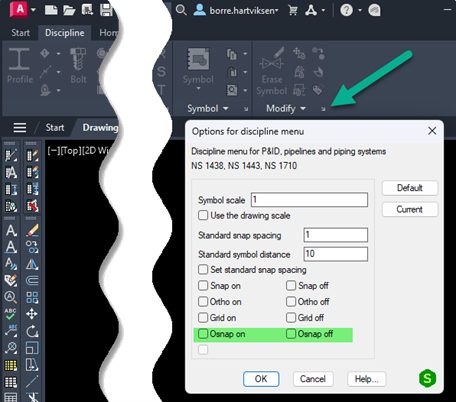
You can easily toggle Osnap on or off for the discipline menu.
Open from the Discipline > Modify tab
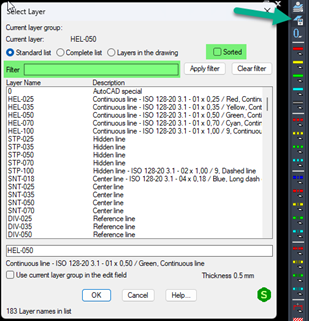
In order to simplify the use of layer and text tools we have added filter and sort in the menus.
Layer menu start from: Standard Layer dialog.
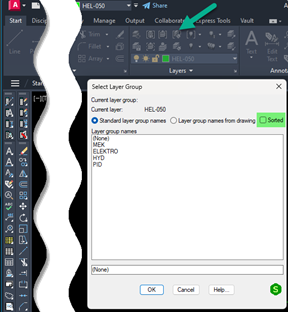
Layer group start from: Start > Layer tab > Change Layer group or command line “LAGRFLYT”.
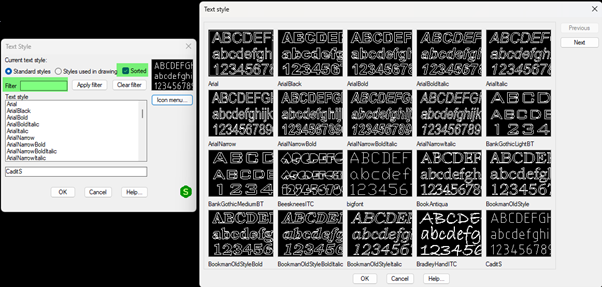
Text style has a new sort and filter functionality. Start from command line “TXTSET” and select the Dialog box.


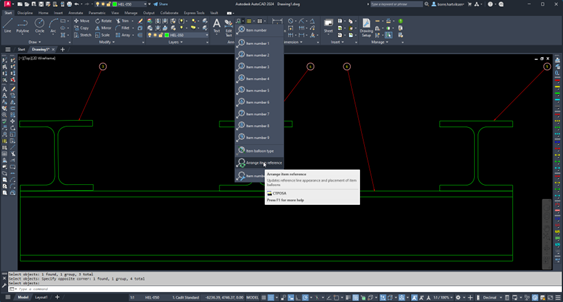
If there are balloons that need to be aligned or corrected, you can use this functionality to arrange the balloons.
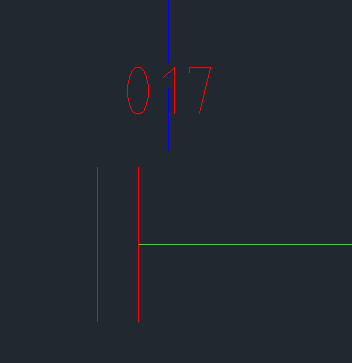
When you insert a symbol, you can now easily mirror and align with axes.
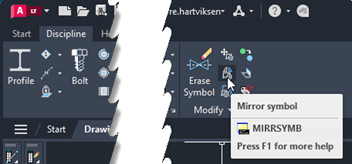
Select from command line when inserting symbol:
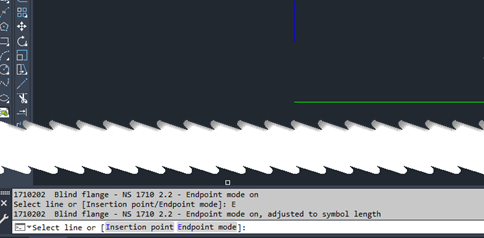
“Endpoint mode”
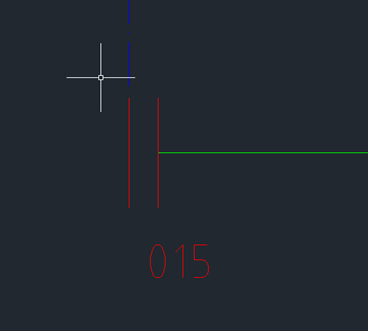
"Intersection point"
Sovelia Configurator release news
Sovelia Core 25.2 focuses on improving usability, streamlining daily work, and strengthening overall system reliability.
Sovelia Plant 2026.1 is now out, supporting AutoCAD Plant 3D version 2026. This release includes all the functionality introduced in version 2025.1, but with even more improvements to make the design work easier for the user.